
Learning
Expand lecture notes, outlines, flashcards, and concepts into clear explanations.
ACADEMIC RESEARCH AND WRITING
Expand a sentence or paragraph with useful information, ensuring the original idea and purpose stay the same.
The source and generated draft stay together so you can compare, verify, and refine the result without losing context.
From source to reviewed draft
Paste the material or upload a supported document.
Select only the options that change the outcome you need.
Compare the result with the source, then copy or regenerate it.
One protected workspace
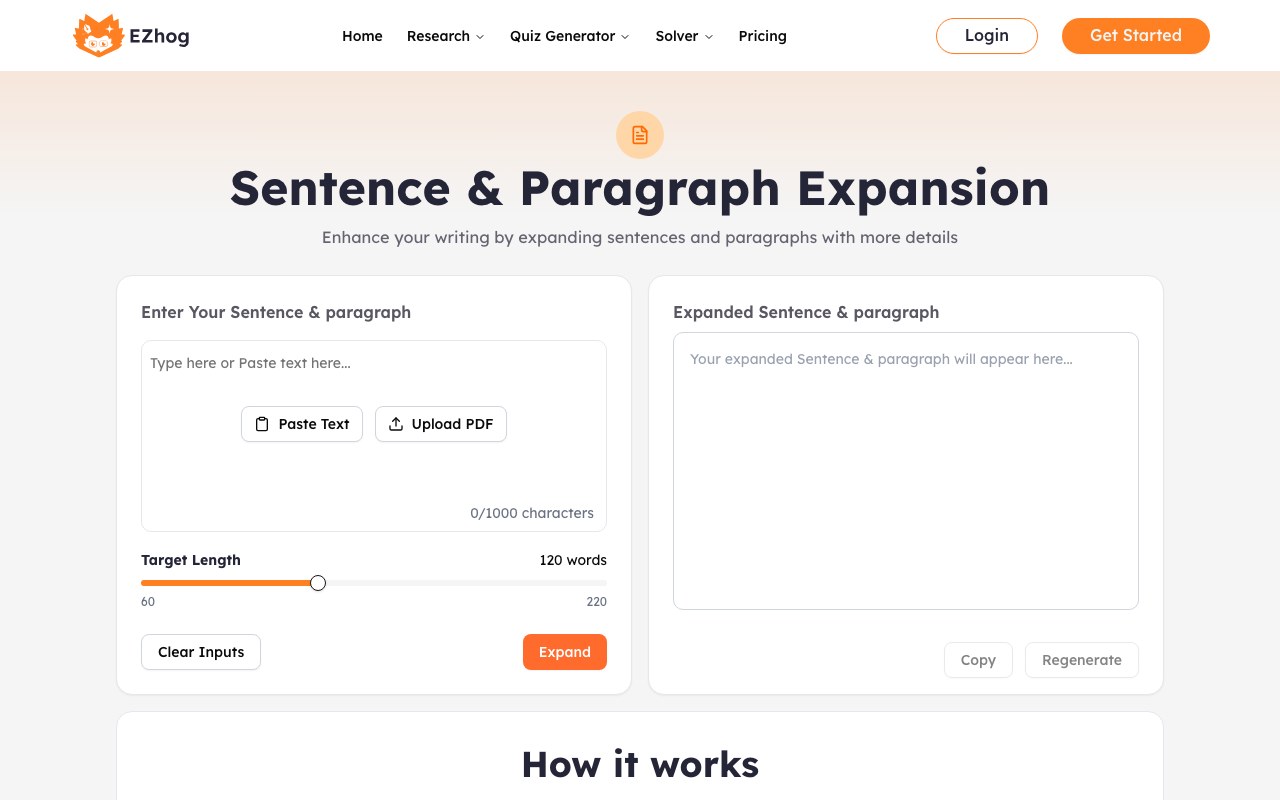
Work in two panels: your source context stays on one side while the generated result, settings, and quality checks appear on the other.
Use this writing elaboration tool
Expand lecture notes, outlines, flashcards, and concepts into clear explanations.
Turn brief findings and goals into detailed, effective academic writing.
Grow simple ideas into exemplar writing, detailed rubrics, and story starters.
Transform workplace shorthand into professional emails, evaluations, copy, and scripts.
Start from your existing draft.
Use AI outcomes swiftly
Check all facts, citations, quotes, calculations, and institutional guidelines yourself. Keep confidential data and personal information out of public AI tools.
Common questions & answers
Paraphrasing means rewriting a piece of text in your own words while keeping it about the same length and holding on to the original meaning. On the other hand, expanding means making a text longer by adding more details, examples, or explanations. So, the idea becomes clearer and more thorough.
Yes, you can add detail to a paragraph and determine how much of it to add. It may vary based on your goals, audience, and the type of writing you are doing.
Yes, an AI paragraph expander can distort facts, misstate numbers, or hallucinate information that was not originally there.
You can control tone and reading level by stating it directly in your prompt. Specify a tone (encouraging, formal, casual, humorous), a reading level (grade, age group, or simple vocabulary), and request short sentences with common words. This way, you can make the text clear and easy to understand.
AI sentence and paragraph expanders can assist technical writing. But they need close human oversight to avoid verbosity and inaccuracies. They help by • drafting initial text from brief notes, • simplifying complex concepts for broader audiences, and • speeding up documentation by reducing time spent on routine sections, boilerplate text, and conceptual overviews.
Yes, you can expand just one sentence instead of the whole text. To do this, you have two options. First, you can copy that one sentence and paste it into the input box of EZhog’s AI sentence expander. Second, if you are using an AI tool that allows inline editing, you can highlight the sentence you want to expand directly in the text.